

Lock apps if the phone is grabbed
Sudden movement and a lost connection to your trusted watch or earbuds can trigger a lockdown.
App lock for Android
Choose which Android apps to lock, from WhatsApp and Gmail to Google Photos.
App lock
Choose which apps to protect and when they re-lock.
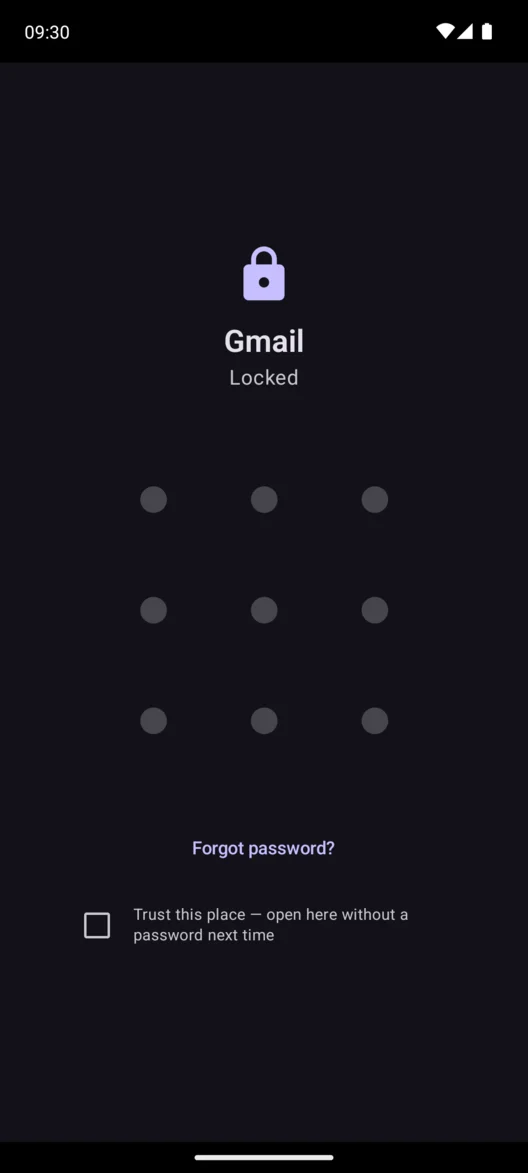
Choose an app and give it a separate PIN, pattern, or password. For example, set a pattern for Gmail so your main PassNox password alone can’t open it.
Trusted Places
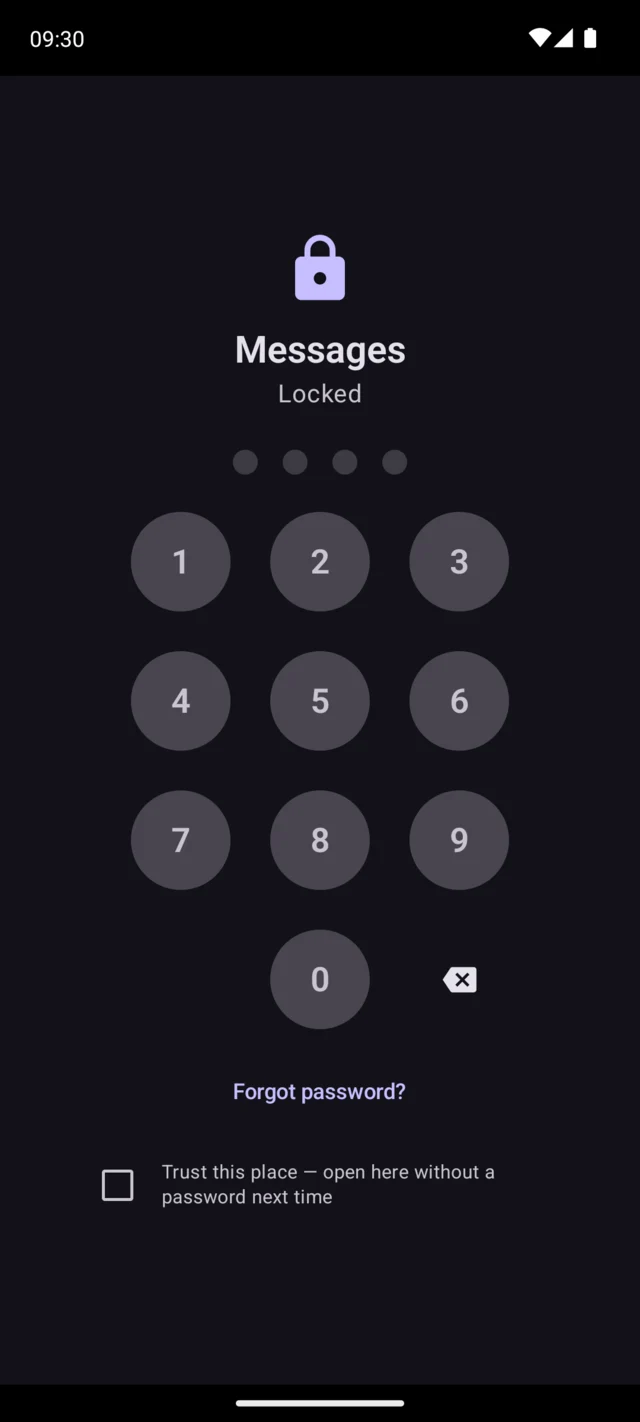
Choose home or work as a Trusted Place. The apps you select open there without your PassNox password.
See what happens when you leaveOutside your Trusted Place, your usual lock settings apply. Here, reopening Messages brings back the PIN prompt.
Forced Unlock
If someone demands access, your emergency password opens the app briefly. After a delay you choose, or when the phone leaves the area, PassNox locks your protected apps again.
This example uses a delay you set in PassNox.
When you get your phone back, unlock your apps with your usual credentials.
The location trigger also runs a backup timer. An optional emergency answer to your recovery question can start a lockdown too.
On-device protection
PassNox uses Android’s Accessibility access to recognize when a protected app opens. It checks your PassNox password and Trusted Places on your phone. You can start without an account.
Read the privacy policyTheft protection
Sudden movement and a lost connection to your trusted watch or earbuds can trigger a lockdown.
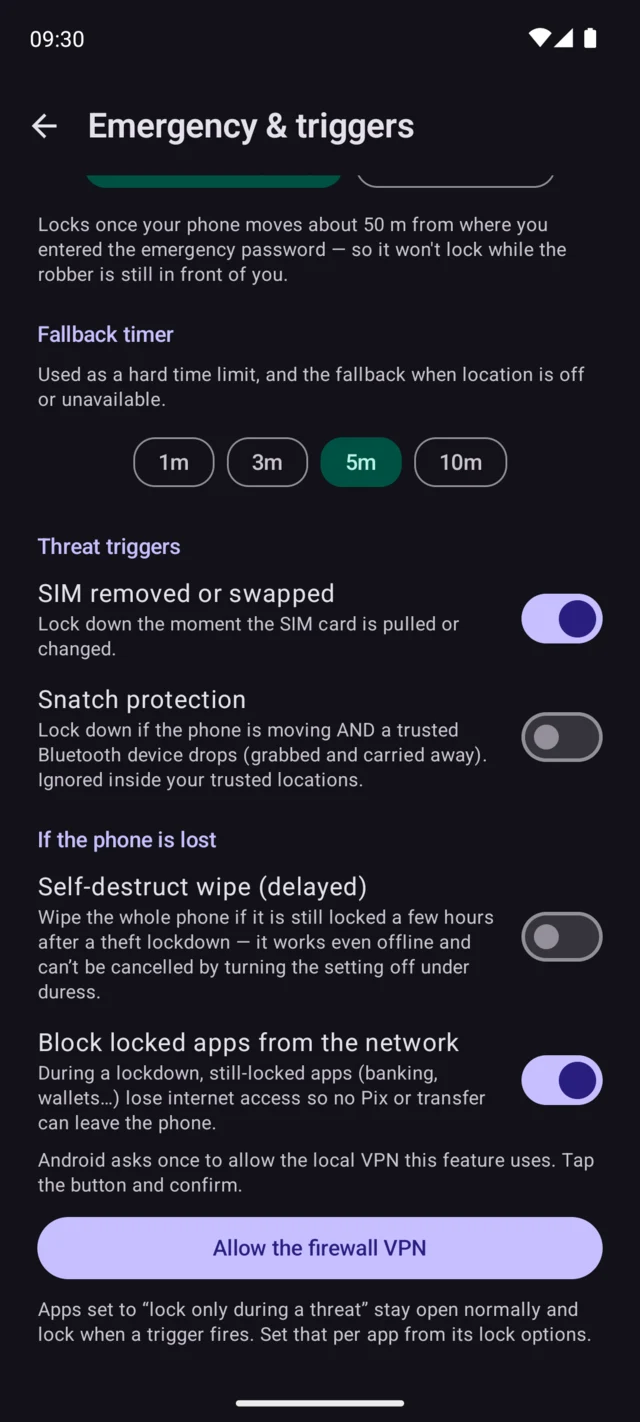
Choose to trigger a lockdown if the SIM is removed or replaced, even when Android is already unlocked.
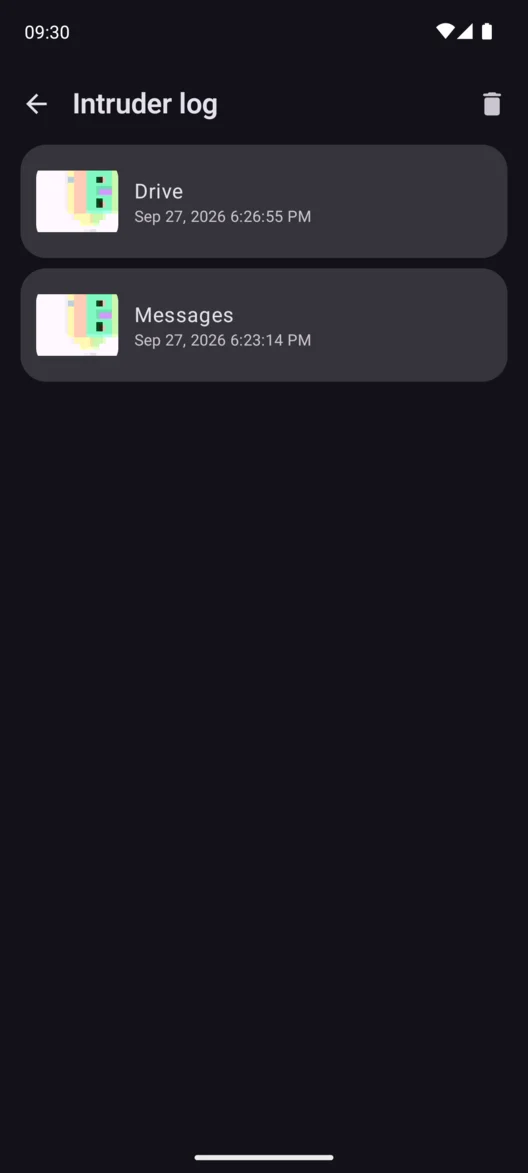
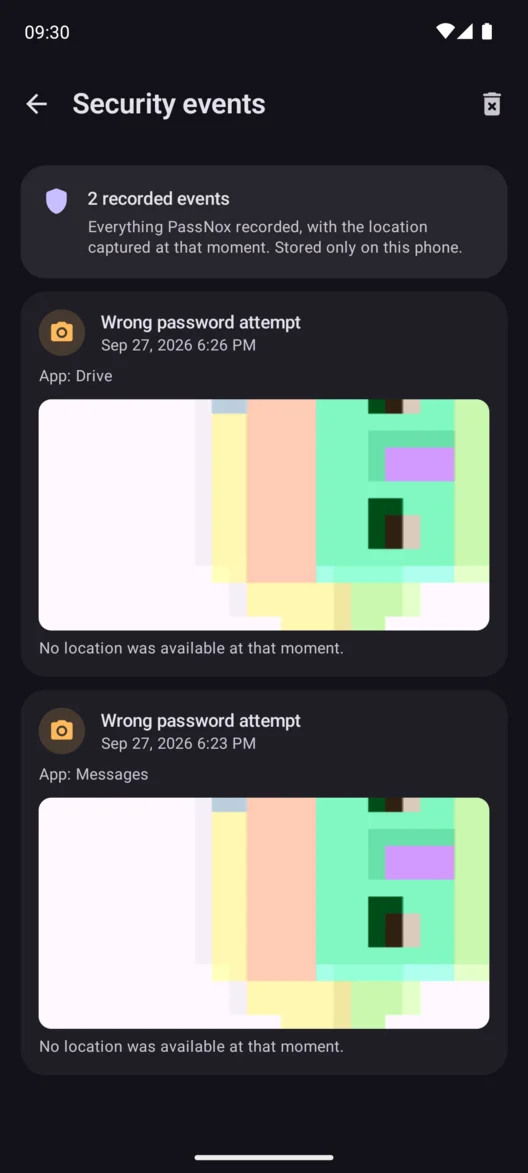
With capture enabled, the front camera can take a photo after repeated wrong attempts. Review it with the timestamp in the intruder log.
Development preview
These tools are in development builds. Availability depends on your Google Play version.
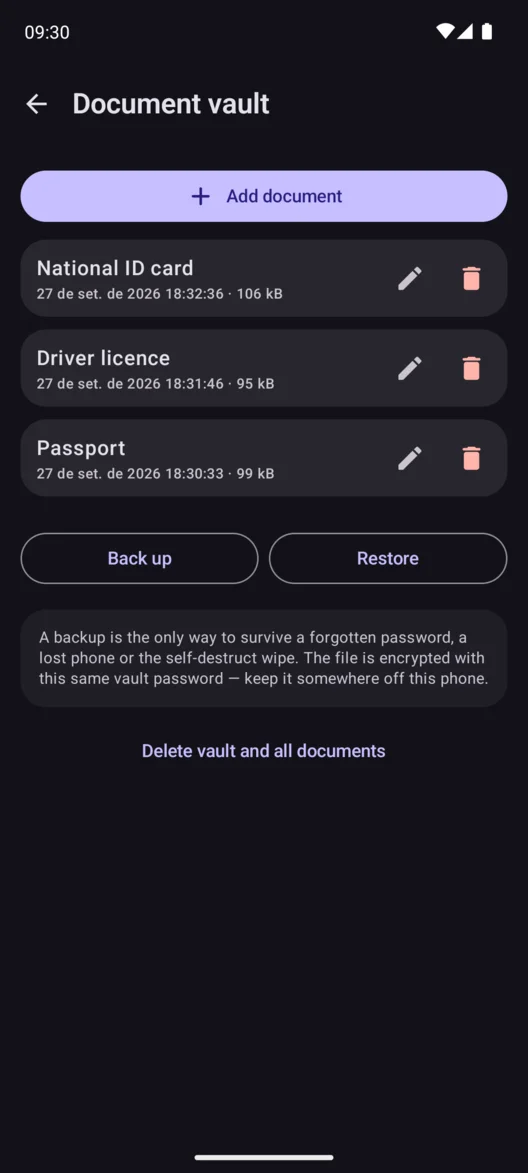
Store encrypted copies of passports, IDs, and other files behind a vault password. Back them up and restore them in encrypted form.
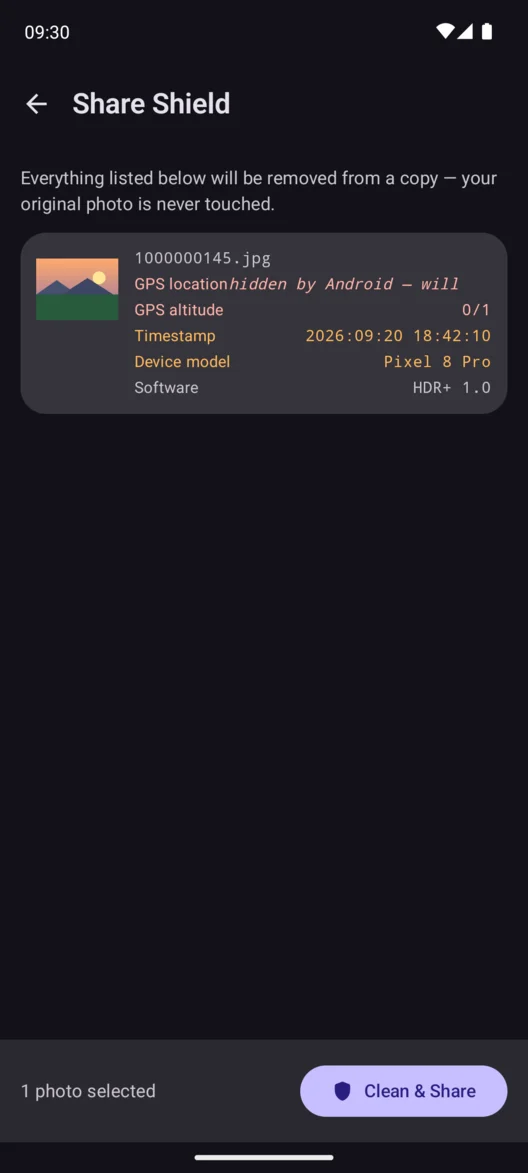
Send a clean copy of a supported photo without GPS coordinates, a timestamp, or your device model.
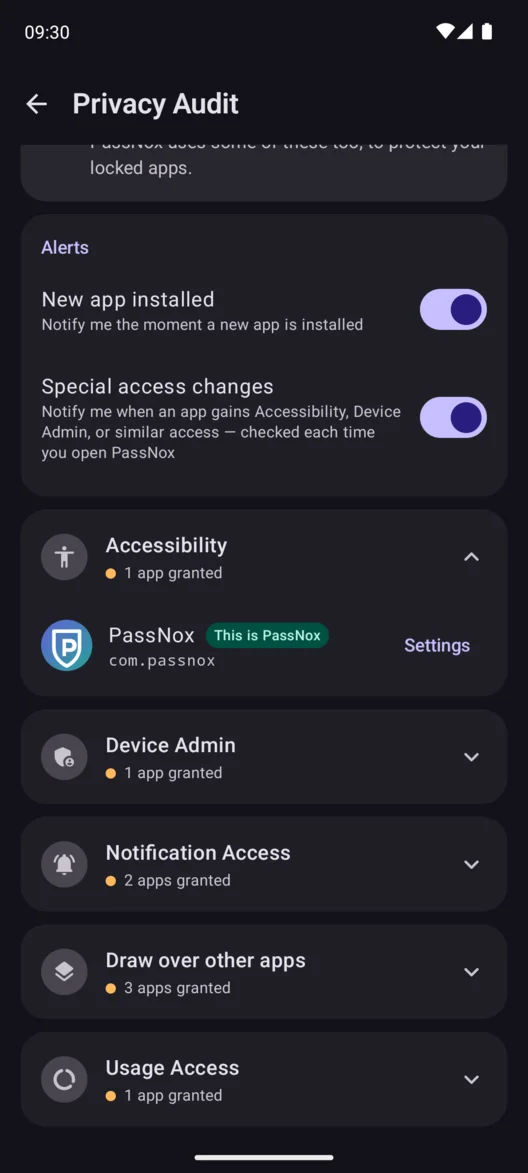
See which apps can use Accessibility, read notifications, or access other special permissions. Turn on alerts for changes and new installs.
See a timeline of failed unlocks, SIM changes, and lockdowns. View photos or locations when they were captured.
On supported phones, opt in to a reset if a theft lockdown outlasts your chosen delay. Enter your main PassNox password in time to cancel it.
Keep using Android’s screen lock. PassNox adds a separate lock to the apps you pick, including when the phone is already unlocked.
PassNox requires Android 8.0 or later. Biometric unlock and some theft features depend on your hardware and permissions.
PassNox uses Android’s Accessibility Service to detect when a protected app opens so it can show the lock screen. Optional features ask for additional permissions when you set them up.
English, Spanish, Brazilian Portuguese, French, German, Italian, Indonesian, Russian, and Turkish. PassNox uses your device language when supported.
PassNox is free to download. The free version can show Google AdMob ads. The optional one-time Pro upgrade removes ads.

Start with a messaging or photo app you want to keep private. No PassNox account needed.